
To reset your password, open the Oshi Health mobile app and follow the steps below:
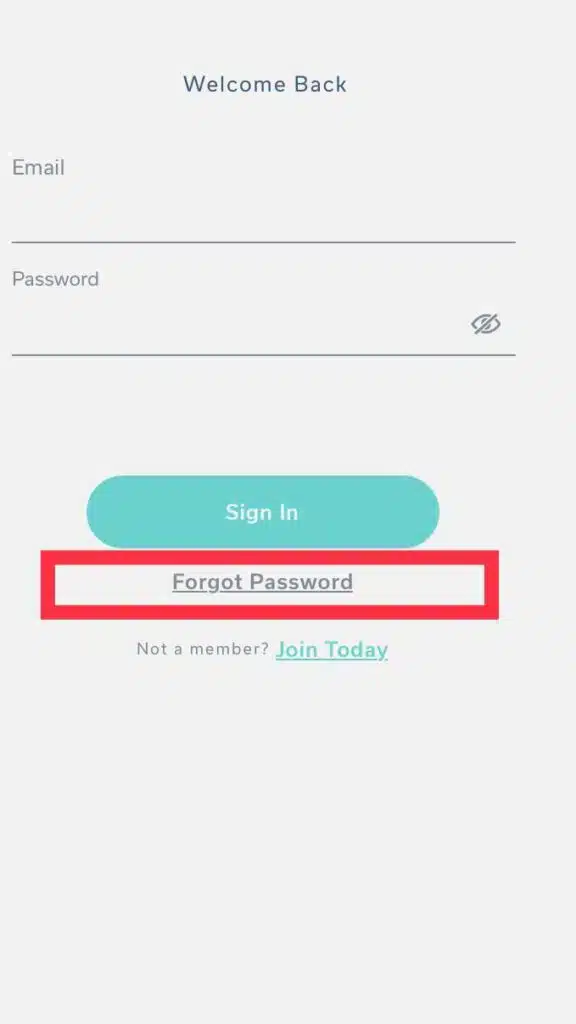
Select ‘Forgot Password’ on the Login Screen
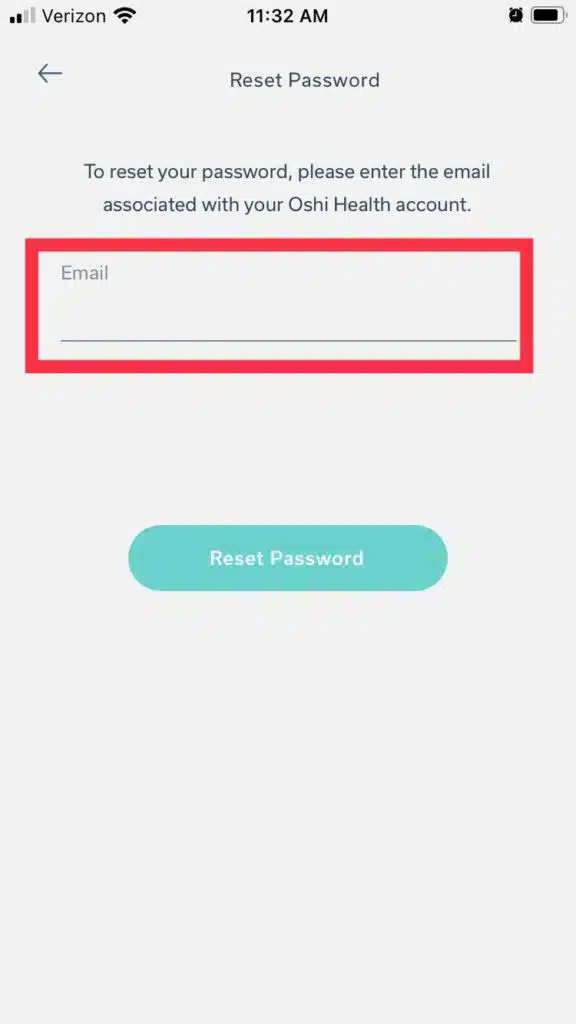
Enter the email address associated with your Oshi Health account

Check your email for a password reset code. Then, enter your reset code and click ‘Continue’

Create a new password and click ‘Submit’